A calendar your whole team can read
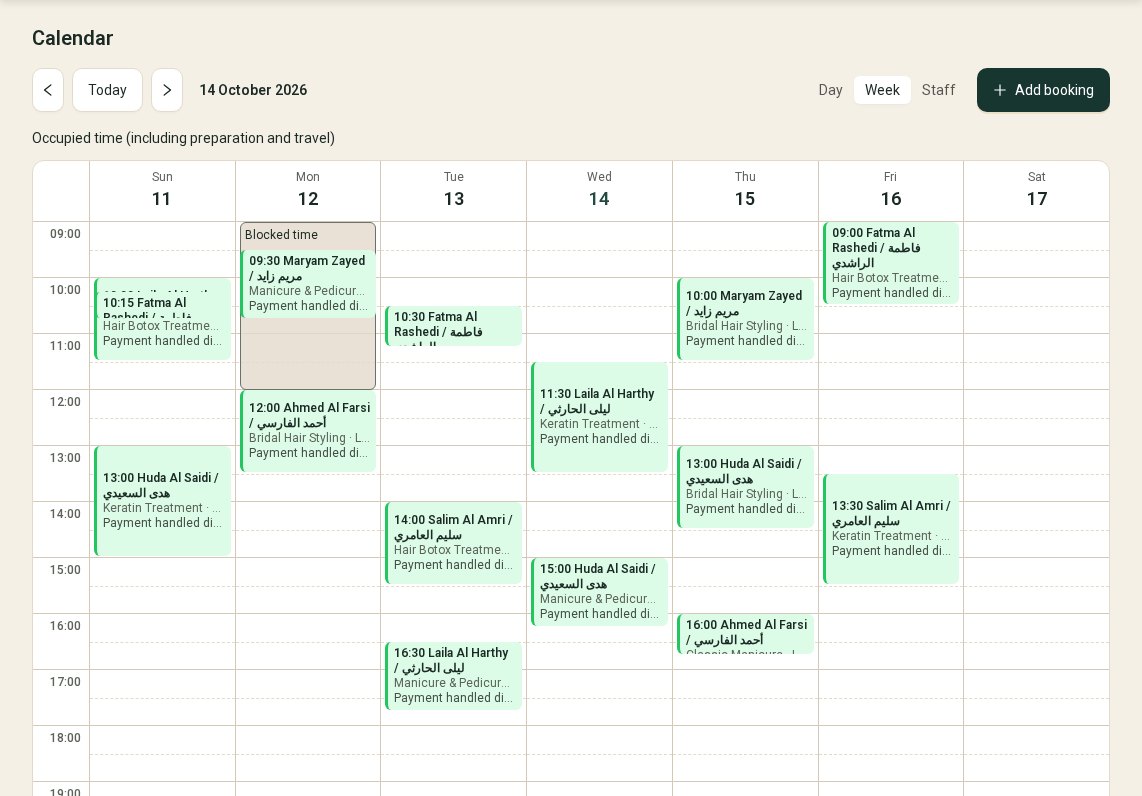
Day, week and artist views. Click any slot to add a booking, with preparation and travel time already counted.
Calendar, requests, clients and reports for solo artists and salon teams, in English and Arabic.
The screens below are the real dashboard.
Day, week and artist views. Click any slot to add a booking, with preparation and travel time already counted.
Propose a time and it stays reserved until the customer answers or the offer expires.
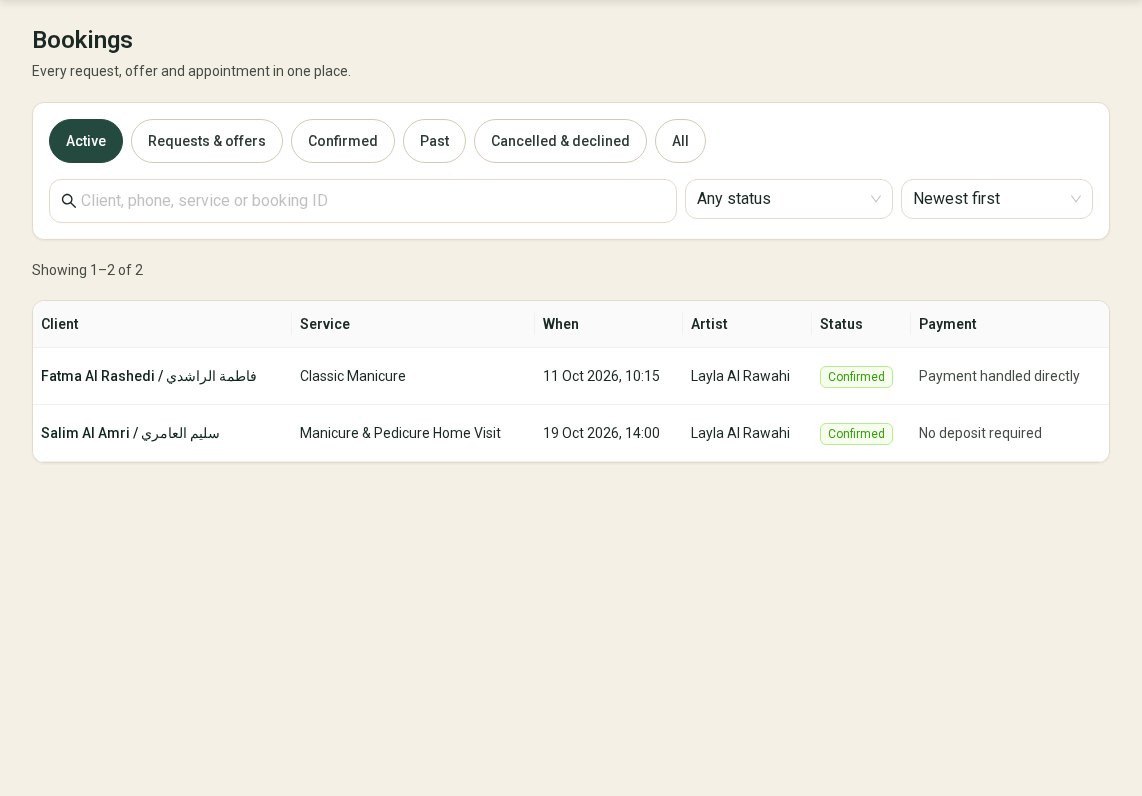
One list with search, filters and sorting. Open a booking to offer a time, reschedule or cancel.
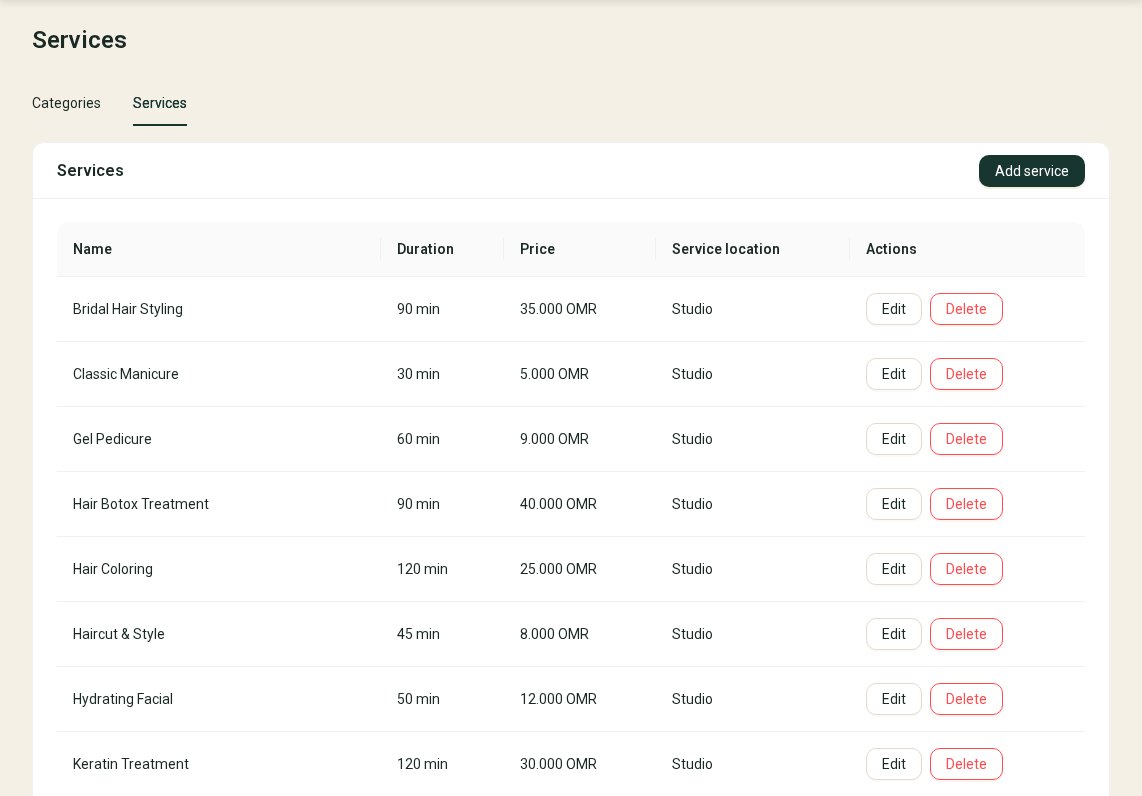
Set durations, prices, studio or home visits, instant or request booking, and the deposit for each service.
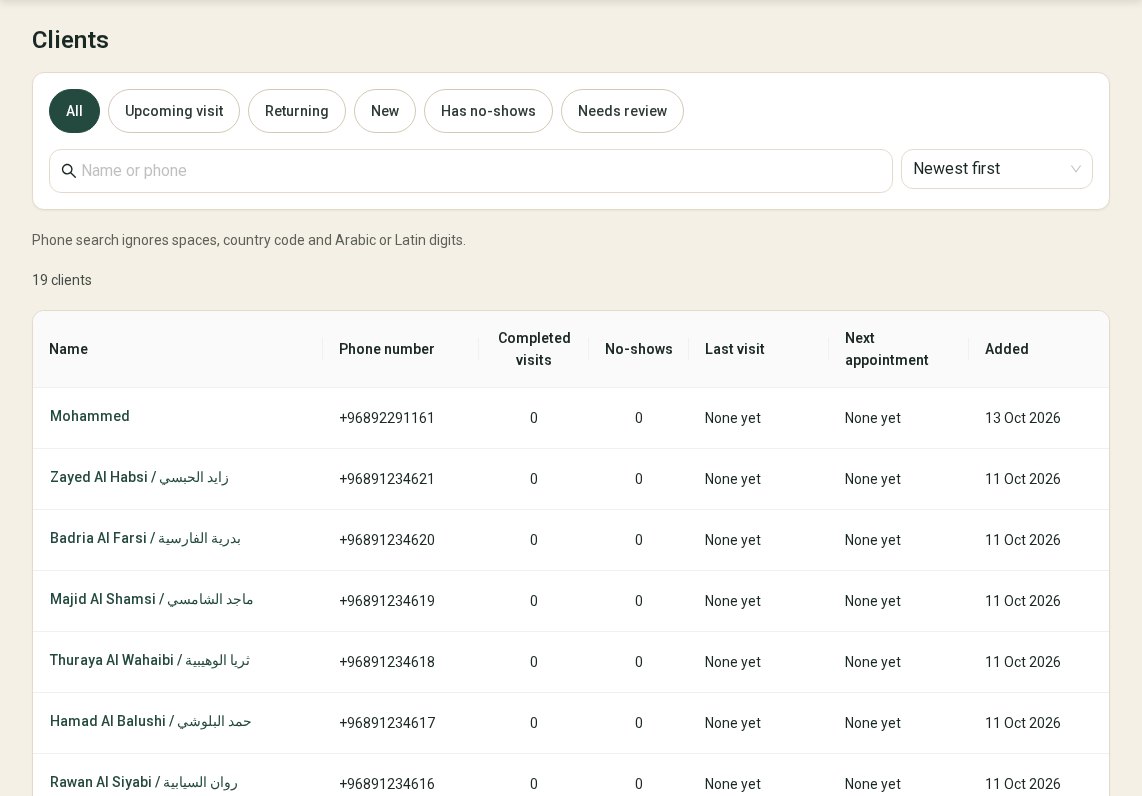
Visit history, notes and no-show flags in one profile. Duplicate profiles can be merged.
Daily and weekly totals from completed bookings. Amounts are recorded by you and are not verified payments.
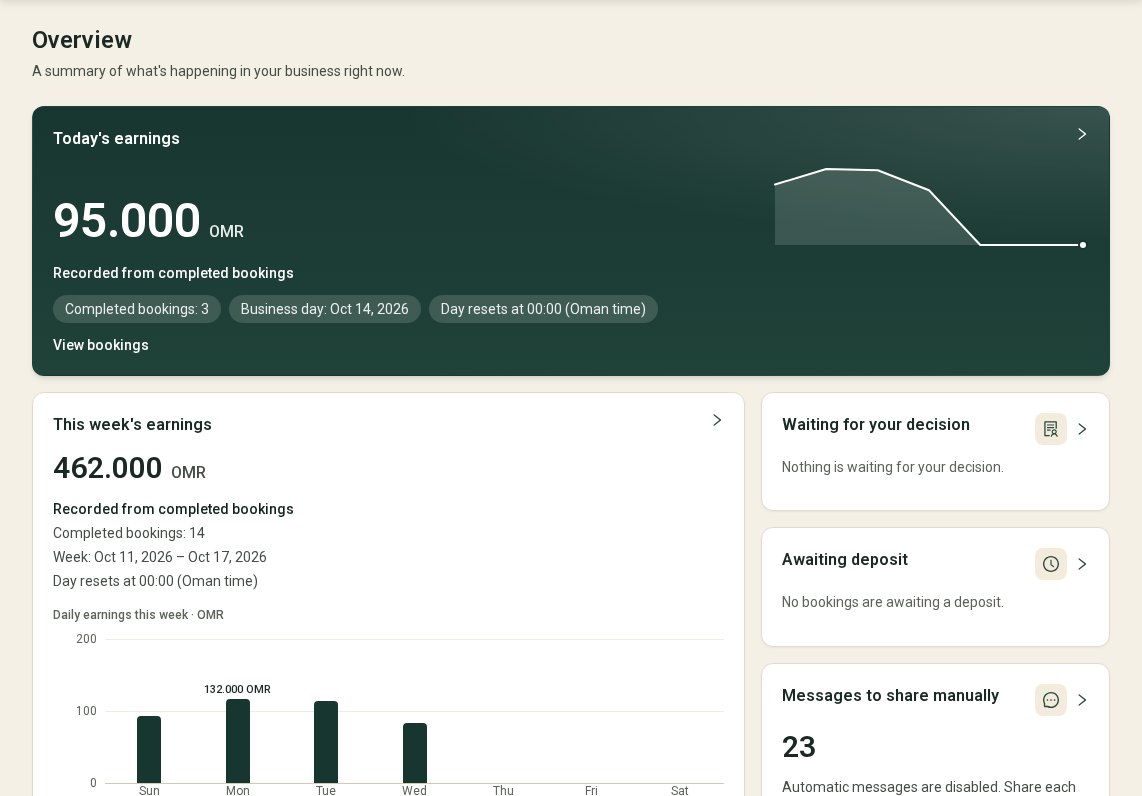
Switch language at any time, with a full right-to-left layout. Every screen works on a phone.
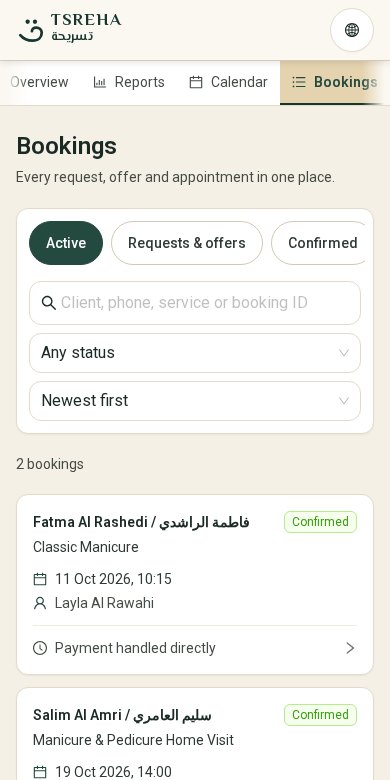
Each update is drafted for you. You review it and send it yourself. Nothing is sent automatically.
You are the owner and the artist. Everything stays simple.
Tell us about your salon or your work as a solo artist. We set up your account and send an invitation.
Add services, prices, working hours and a photo. Invite your team if you have one.
Customers book directly or send a request. You answer from the calendar or the bookings list.
Questions about joining? Call or write and we will get back to you.